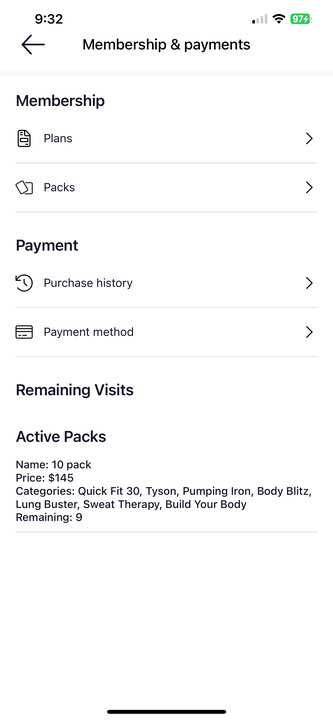
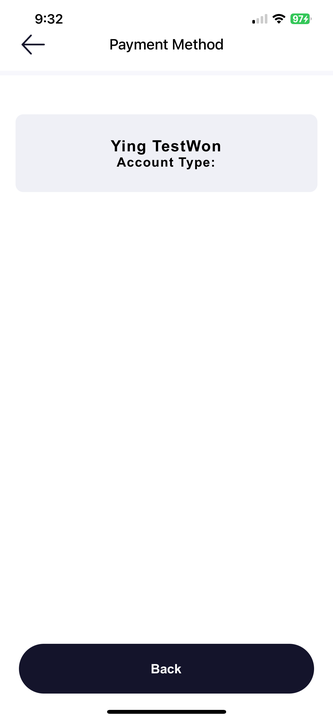
To view your registered payment methods:
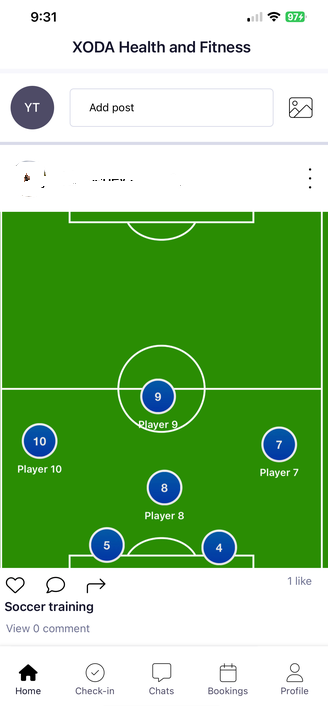
- Scroll along the bottom tabs until you get to Profile (gear toolbar)
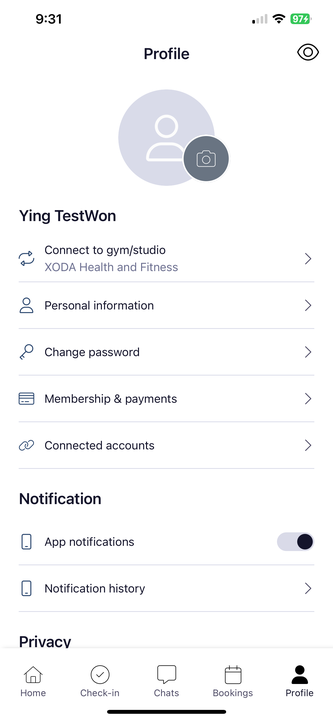
- Scroll down to the Membership & payments section then tap on that arrow to either Add a payment method or view your current registered payment method then update to a new one.
-